Just sharing my own experience — not advice. Prices, versions, and shipping details can change at any time, so always check Xesim’s official site for the latest.
When you’re working abroad or living out of a suitcase, the phone-number problem is the annoying one: swapping SIM cards every time you land in a new country, and having no way to keep a home number active for verification codes while you’re away.
Here’s the catch a lot of people run into: most new US iPhones are now eSIM-only — Apple dropped the physical SIM tray a few generations back. But a huge number of phones still use a physical SIM: most Android phones with a SIM slot, and older iPhones that still have a tray. If your phone takes a physical card, Xesim is a neat little fix.
Xesim looks and installs exactly like an ordinary SIM card. You pop it into your phone’s SIM slot and your phone suddenly gains eSIM powers — even if it never supported eSIM on its own.
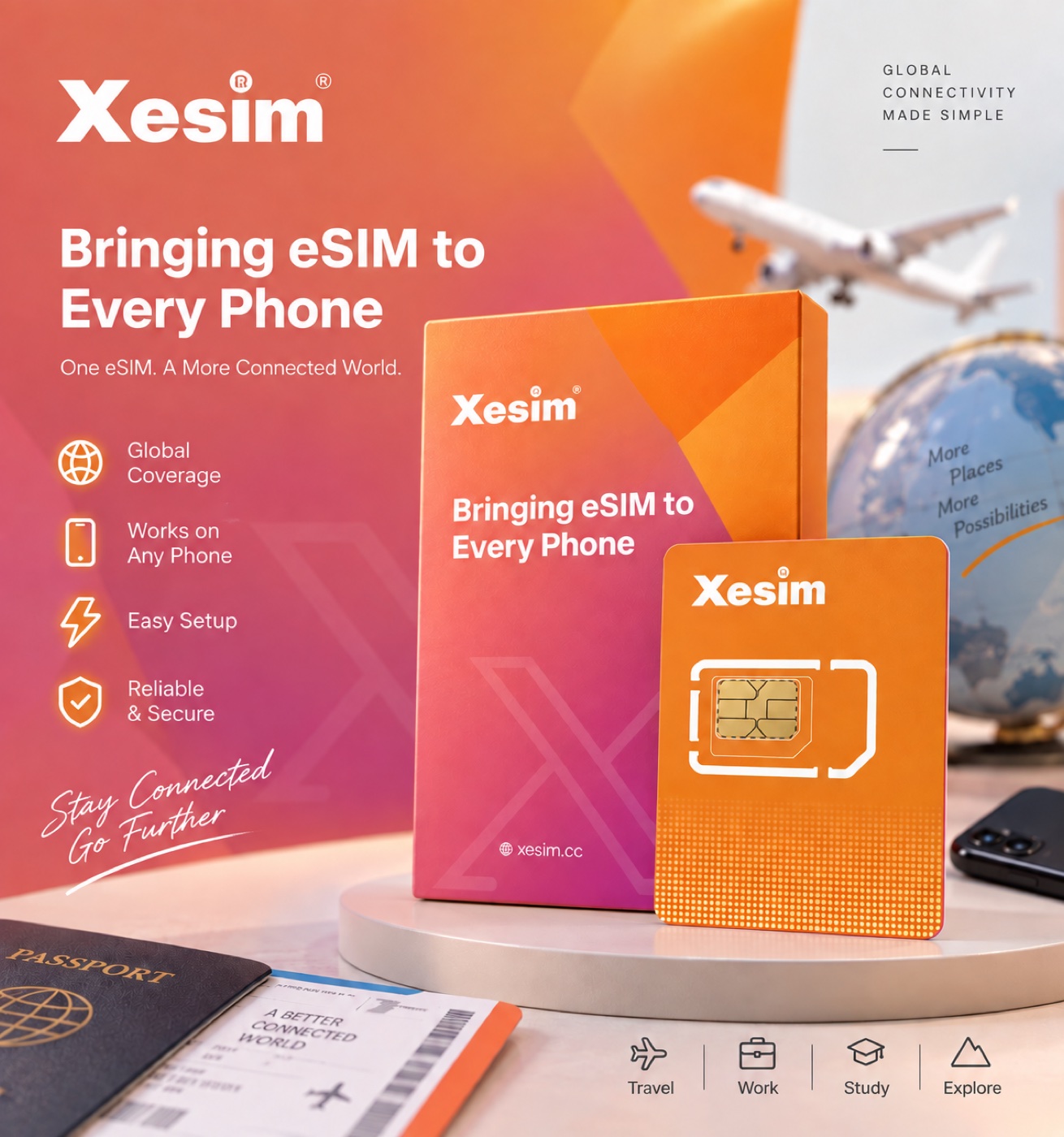
What it lets you do:
- Store several numbers/plans on one card and switch countries without swapping SIMs — just tap to switch in the app.
- Keep one fixed number for verification codes and banking apps, while running a separate local data plan for internet.
- Stay off any single carrier — buy eSIM plans freely from providers like Airalo or Ubigi.
Who it’s for:
- Anyone whose phone has a physical SIM slot — most Android phones, and older iPhones with a tray.
- Frequent travelers who want to switch local data plans without hunting down a new SIM each time.
- People who just want to keep one long-term overseas number for verification codes and sign-ins.
Heads up: if your phone is already eSIM-only — like a new US iPhone with no SIM tray — Xesim is a physical card, so it simply won’t fit. It’s made specifically for phones that still take a physical SIM.
Also note: the card itself comes with no data. After you insert it, you still need to buy an eSIM data plan separately and load it onto the card before you can get online.
Which version to get
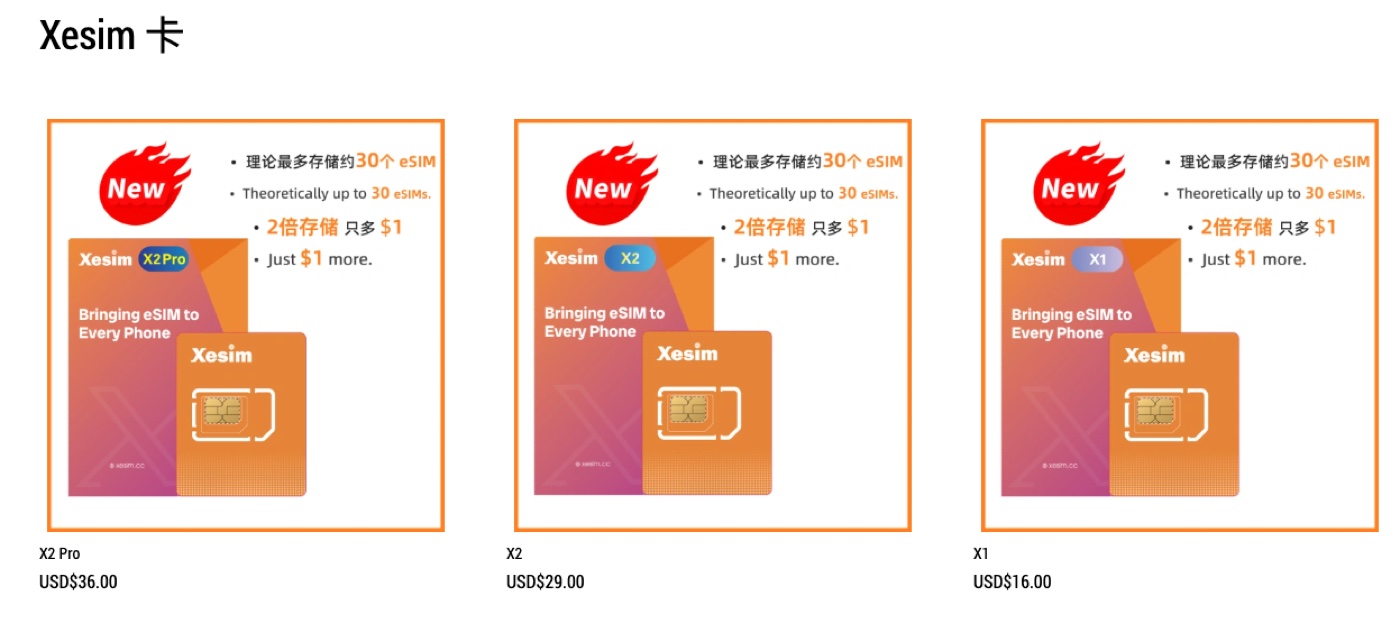
The site sells three versions — X1 / X2 / X2 Pro — priced at $16 / $29 / $36. The main differences are how many eSIMs you can download onto the card, and whether you need an Android phone to load the very first eSIM:
- Just want one fixed number and occasional travel data: get the X1 — the cheapest.
- Travel often and switch local plans a lot: get the X2 — it stores more eSIMs.
- About that first eSIM download: an iPhone can’t write the first eSIM onto the Xesim card directly — you need an Android phone to do the initial download, then move the card back to your iPhone. If you don’t have an Android phone, get the X2 Pro — it ships with a bit of built-in data so it can complete the first eSIM download on its own, no Android needed. (That built-in data is time-limited; check with official support for specifics.)
How to order (step by step)
- Open the official site: Xesim (use discount code ZWQ66 at checkout for a small discount).
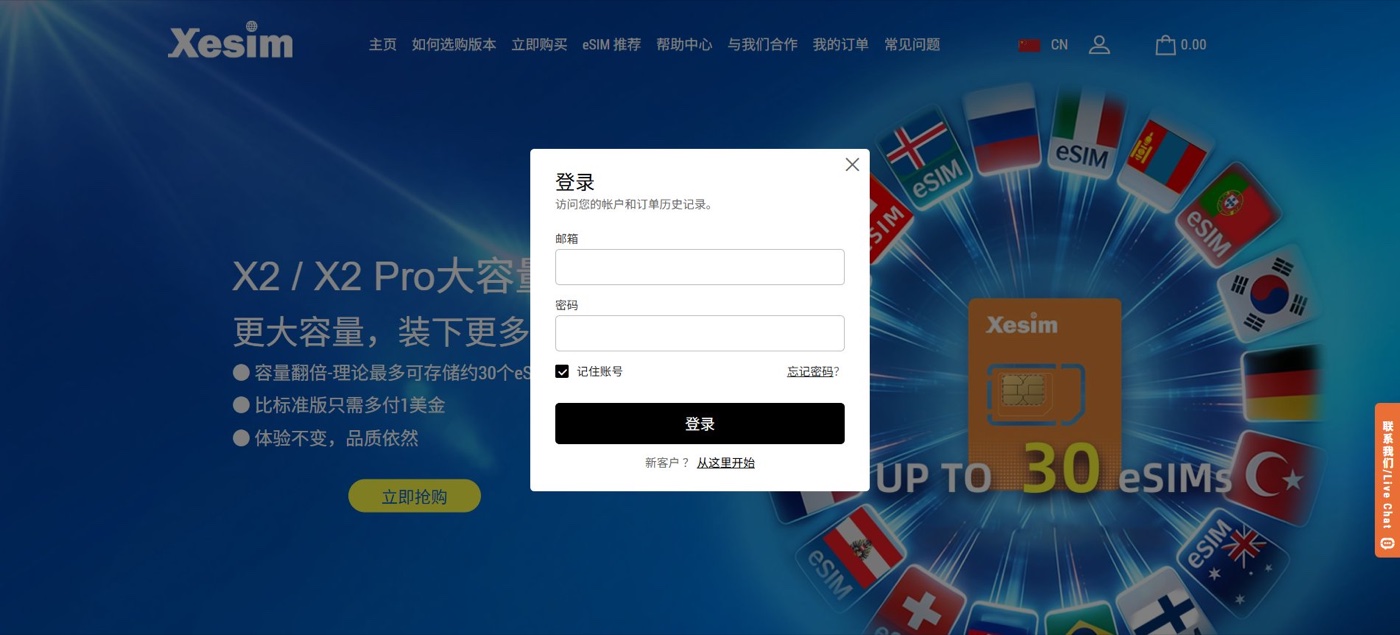
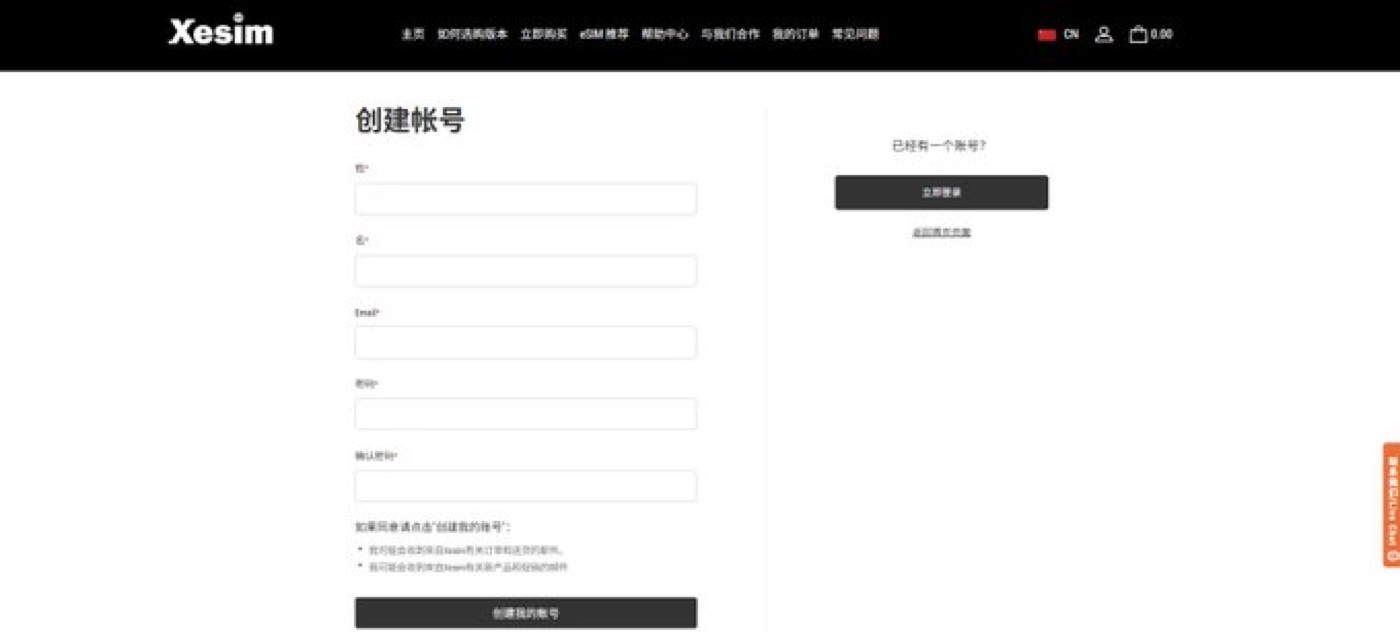
- Click the person icon at the top right and choose “Start here” to open the sign-up page.
- Register with your email, set a password, and finish creating the account.

- Go to the product page, pick your version (X1 / X2 / X2 Pro), and add it to the cart.
- Enter your shipping address. Note: the store ships within mainland China, so you’ll need a China delivery address and a valid local phone number.
- Choose a shipping method — standard is usually free (2–5 business days); remote regions may cost extra, and express options are available if you’re in a hurry.
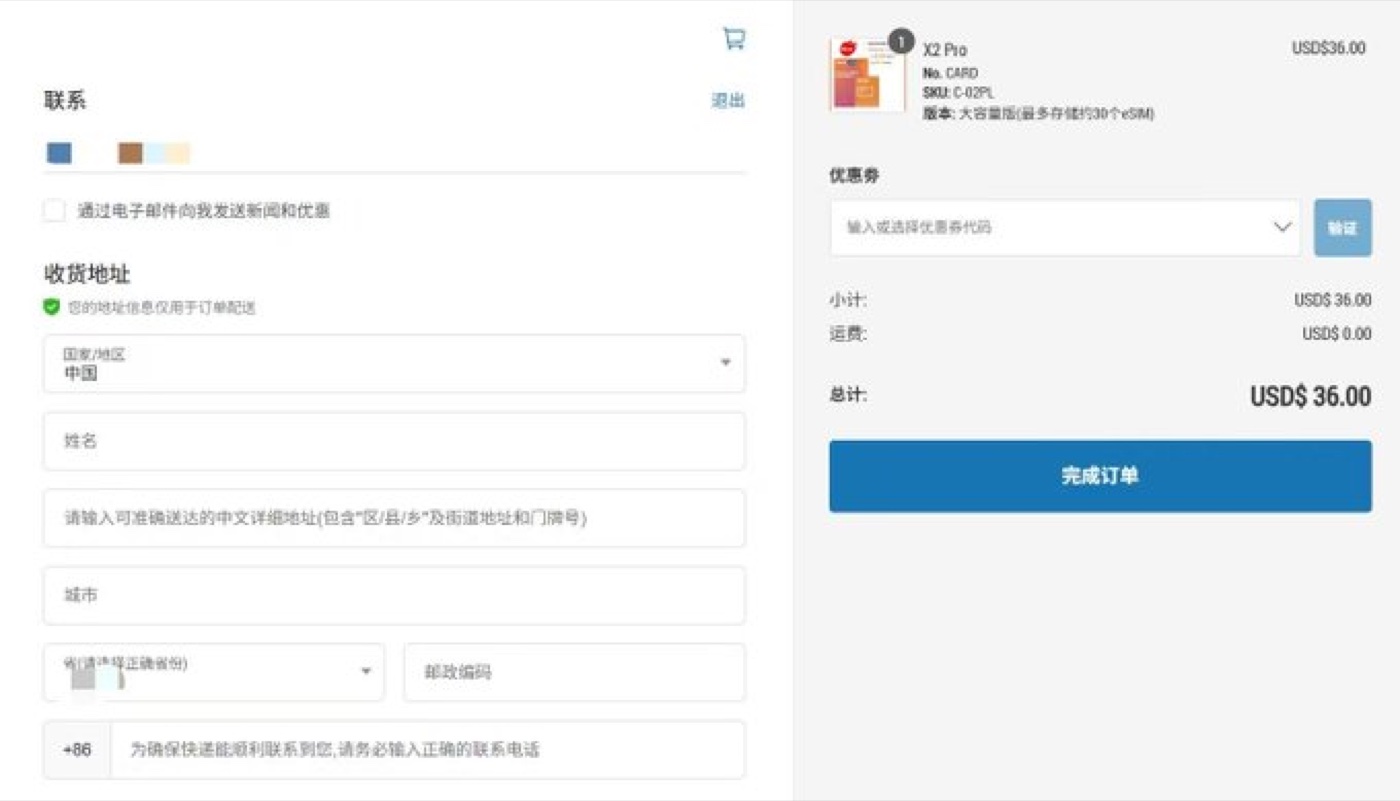
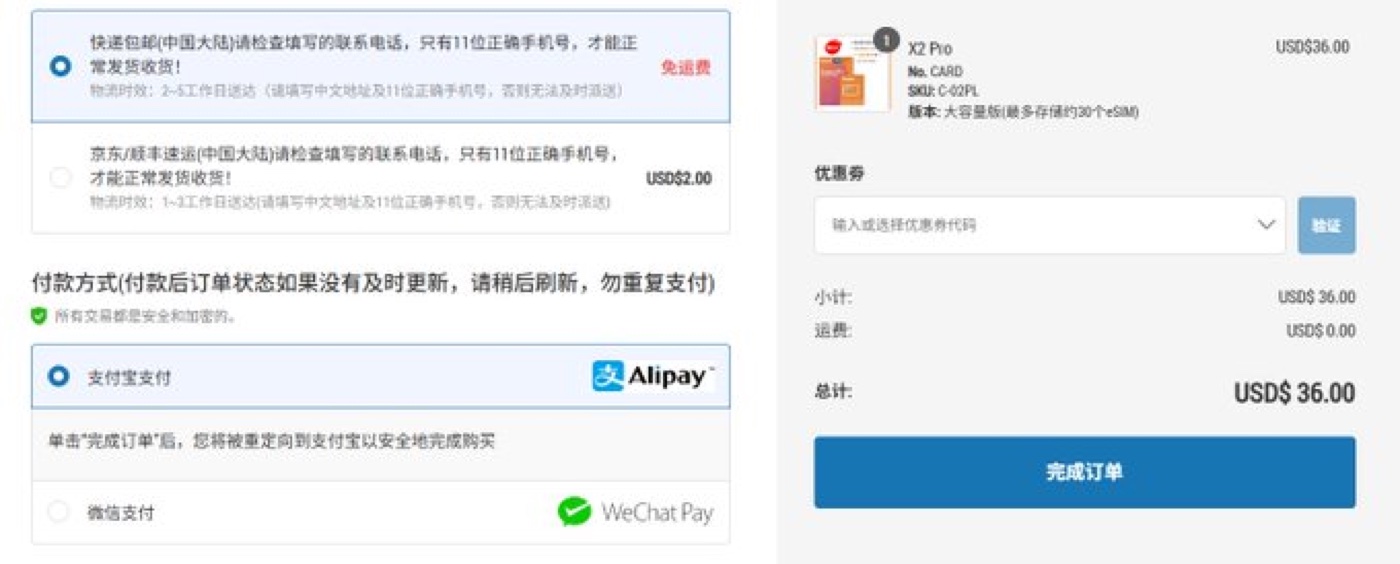
- Choose a payment method — Alipay and WeChat Pay are supported.
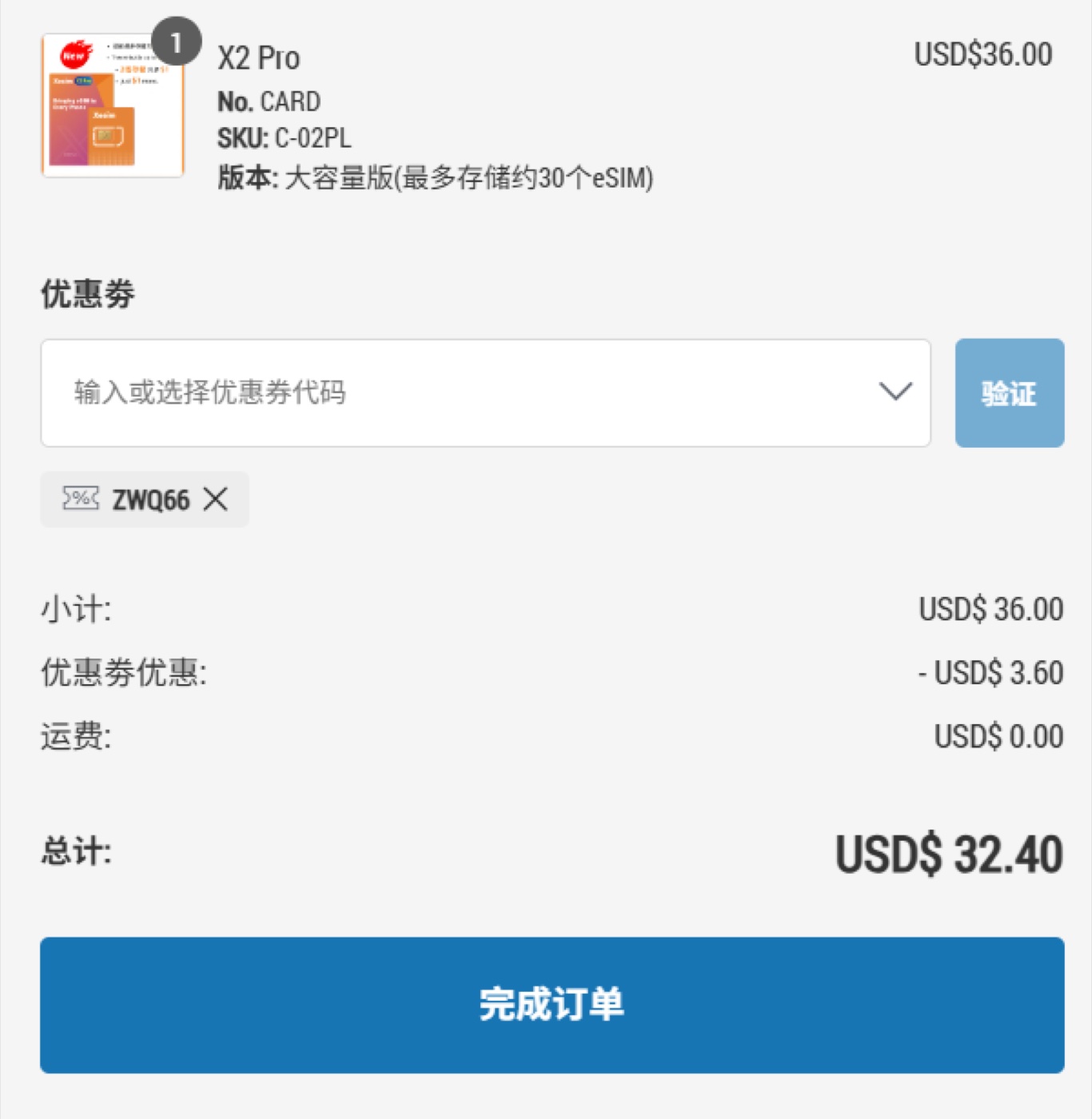
- Enter discount code ZWQ66 in the coupon box and click apply.
- Check the total and complete payment.
- Wait for delivery — usually 2–5 business days, depending on the courier.
Using it once it arrives
- Insert the card into your phone’s SIM slot.
- Download the first eSIM:
- Android: install the official app, then scan the QR code or enter the activation code.
- iPhone: Settings → Cellular → SIM Applications → Xesim, then follow the prompts.
- Activate the eSIM you want in the app or your phone’s menu, and you’re online. Switch plans later from the same place.
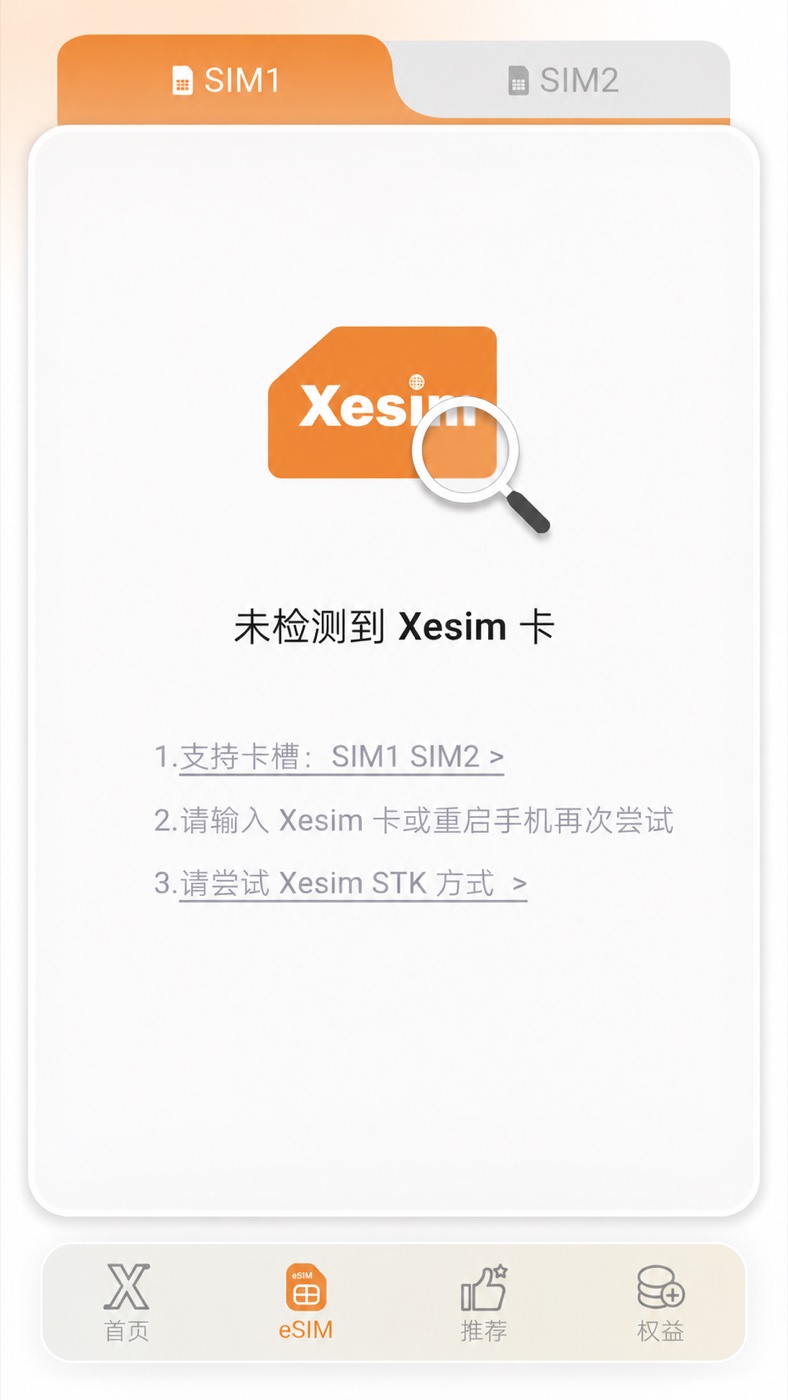
A quick tip: the card has no data of its own — after activating, buy an eSIM plan from a provider like Airalo or Ubigi and load it on. And before downloading a new eSIM, turn on mobile data and data roaming first, or the download tends to fail.
Where to buy: Xesim official site · Discount code: ZWQ66
The code ZWQ66 is a working discount code I found online, shared here as a small perk for readers — I don’t earn any commission from it. Whether it works, and how much it saves, is whatever the site shows at checkout.
Prices, versions, and shipping details can change over time — always go by the real-time information on Xesim’s official site.
Leave a Reply