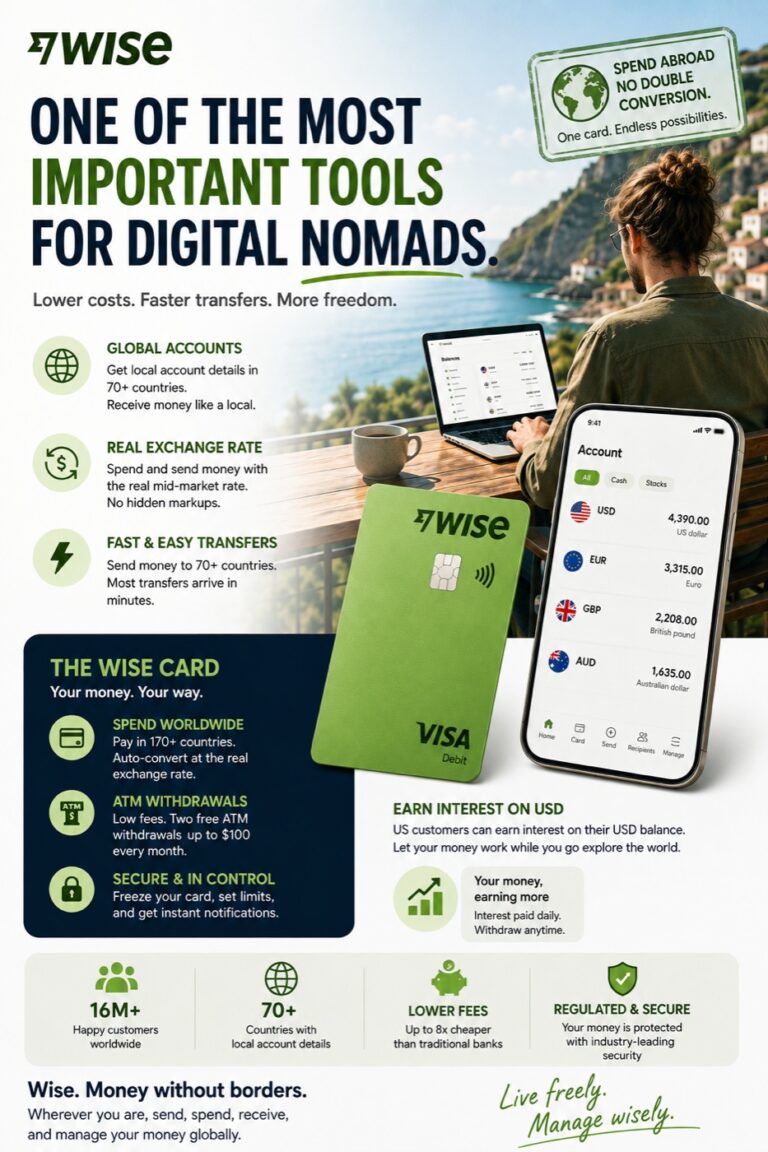
For global digital nomads, international freelancers, and modern investors, cross-border payments and sovereign asset storage are rapidly shifting toward cryptocurrency. Whether you need to receive international client retainers in USDT without intermediary wire deductions, diversify your net worth into Bitcoin, or participate in the burgeoning decentralized Web3 ecosystem, understanding how to navigate the cryptocurrency landscape has become an essential modern literacy.
While the decentralized blockchain underpins all crypto assets, interacting directly with raw smart contracts poses high technical friction and steep security risks for beginners. This is where Centralized Exchanges (CEX) step in: acting as the modern banks and prime brokerages of the digital economy, they provide compliant fiat onramps, high liquidity, and customer safeguards. Among the world’s premier tier-1 crypto platforms, OKX stands out with over 50 million global users, an industry-leading user interface, and the world’s most powerful integrated Web3 self-custody wallet.
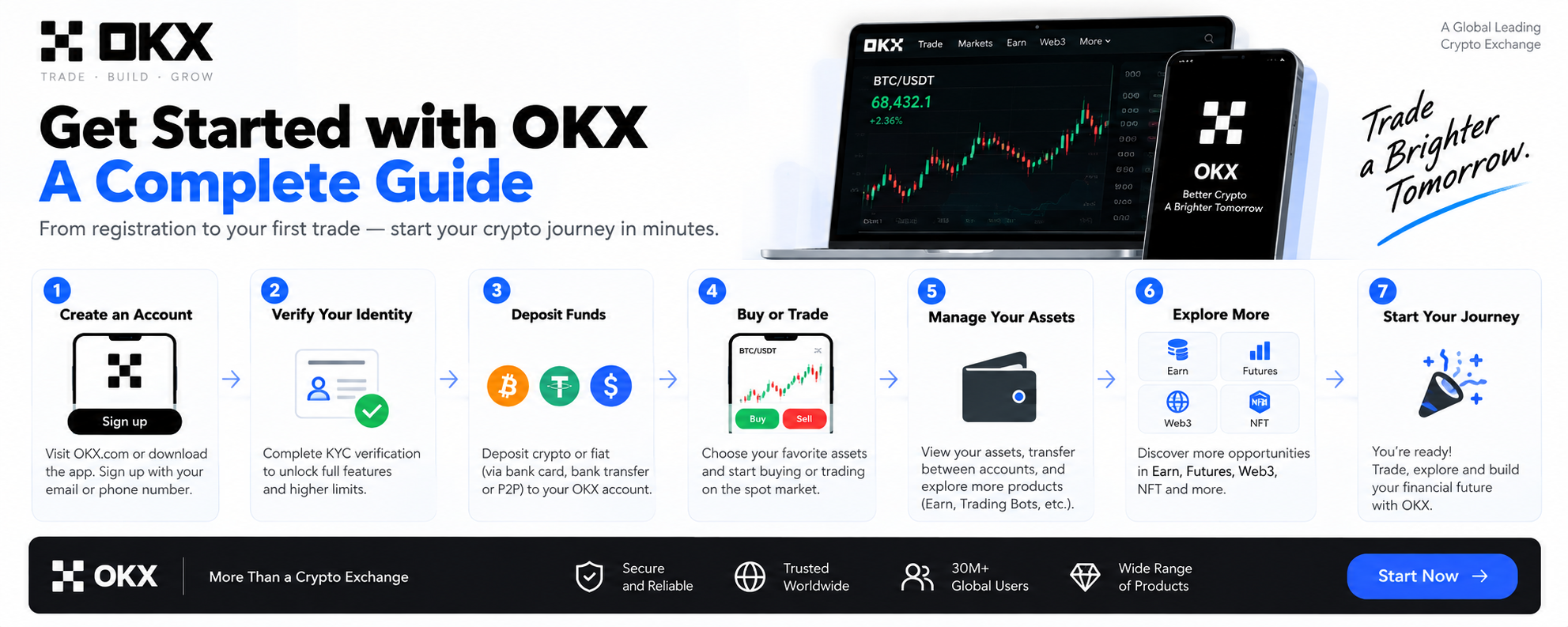
In this definitive master guide, I will take you from zero to expert: covering how to register with a lifetime 20% trading fee discount, how to safely convert fiat into stablecoins via C2C without triggering banking freezes, how to buy your first fractional Bitcoin with zero fees, and how to configure cold-storage security for your OKX Web3 wallet.
Core Concepts Every Nomad Must Know Before Starting
1. What is USDT and Why is it the “Universal Chip”?
Before making any trades, you must understand USDT (Tether). Unlike volatile cryptocurrencies like Bitcoin or Ethereum, USDT is a stablecoin pegged 1:1 to the US Dollar. Tether maintains reserves in US Treasury bills and cash equivalents to guarantee that 1 USDT can always be redeemed for $1.00 USD.
Think of a centralized exchange like a global financial playground: USDT is the universal chip. Purchasing cryptocurrencies directly with various national fiat currencies often incurs poor conversion rates and wide bid-ask spreads. The standard, cost-efficient path is always: Local Fiat Currency → Convert to USDT → Trade USDT for Bitcoin, Ethereum, or other assets.
2. The Dual-Engine Architecture: Exchange (CeFi) vs. Web3 Wallet (DeFi)
Inside the OKX mobile application, you will notice a toggle at the very top:
- Exchange (Left Tab): The centralized custodial exchange. OKX manages the internal ledger, matches orders with lightning speed, and provides fiat on/off ramps (C2C trading).
- Web3 Wallet (Right Tab): A decentralized, non-custodial software wallet. You own the private keys and 12-word seed phrase. OKX cannot freeze, view, or control your funds here. It is your passport to decentralized finance (DeFi), NFT marketplaces, cross-chain swaps, and token airdrops.
Part 1: Account Registration & The 20% Lifetime Fee Rebate
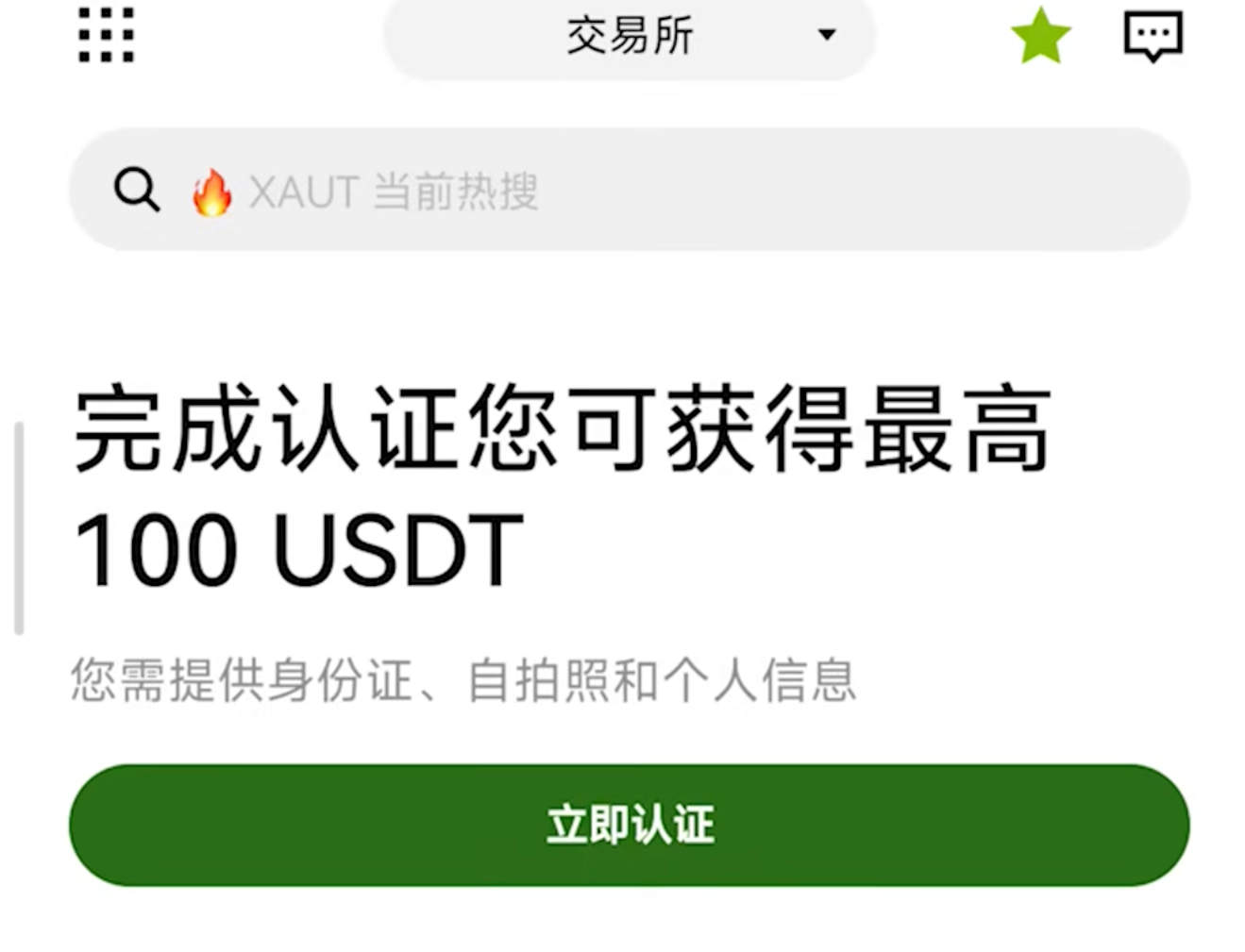
The single most expensive mistake beginners make is clicking directly on the OKX homepage to sign up without an affiliate link. OKX’s system architecture operates on a strict referral commission model: if you sign up cold, you pay 100% standard trading fees. If you register through an authorized partner link, you automatically receive a lifetime 20% rebate on all trading fees.
Over months and years of dollar-cost averaging and portfolio rebalancing, a 20% fee rebate translates into hundreds or thousands of dollars saved.
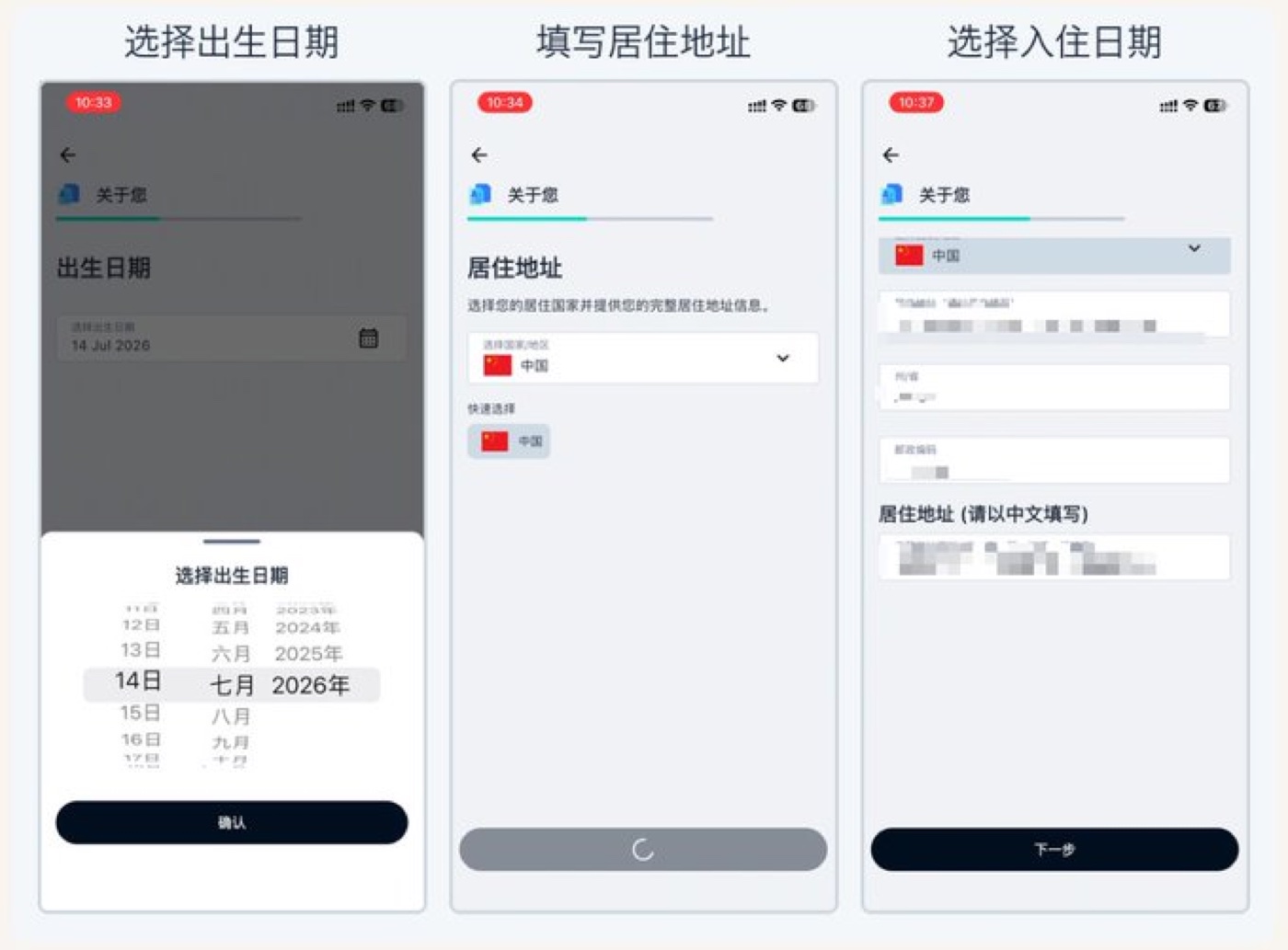
- Use the Verified Discount Link: Access the official registration portal via OKX 20% Rebate Registration (Referral Code:
OY778). - Select Your Country/Region: Select your true country of legal residence. For Chinese mainland residents, choose “China” (OKX fully supports mainland user identity verification).
- Email Selection (Pro Tip): Always register using an international email provider — Gmail or Outlook is highly recommended. Domestic email providers often trigger aggressive spam filters or deliver OTP codes with delays.
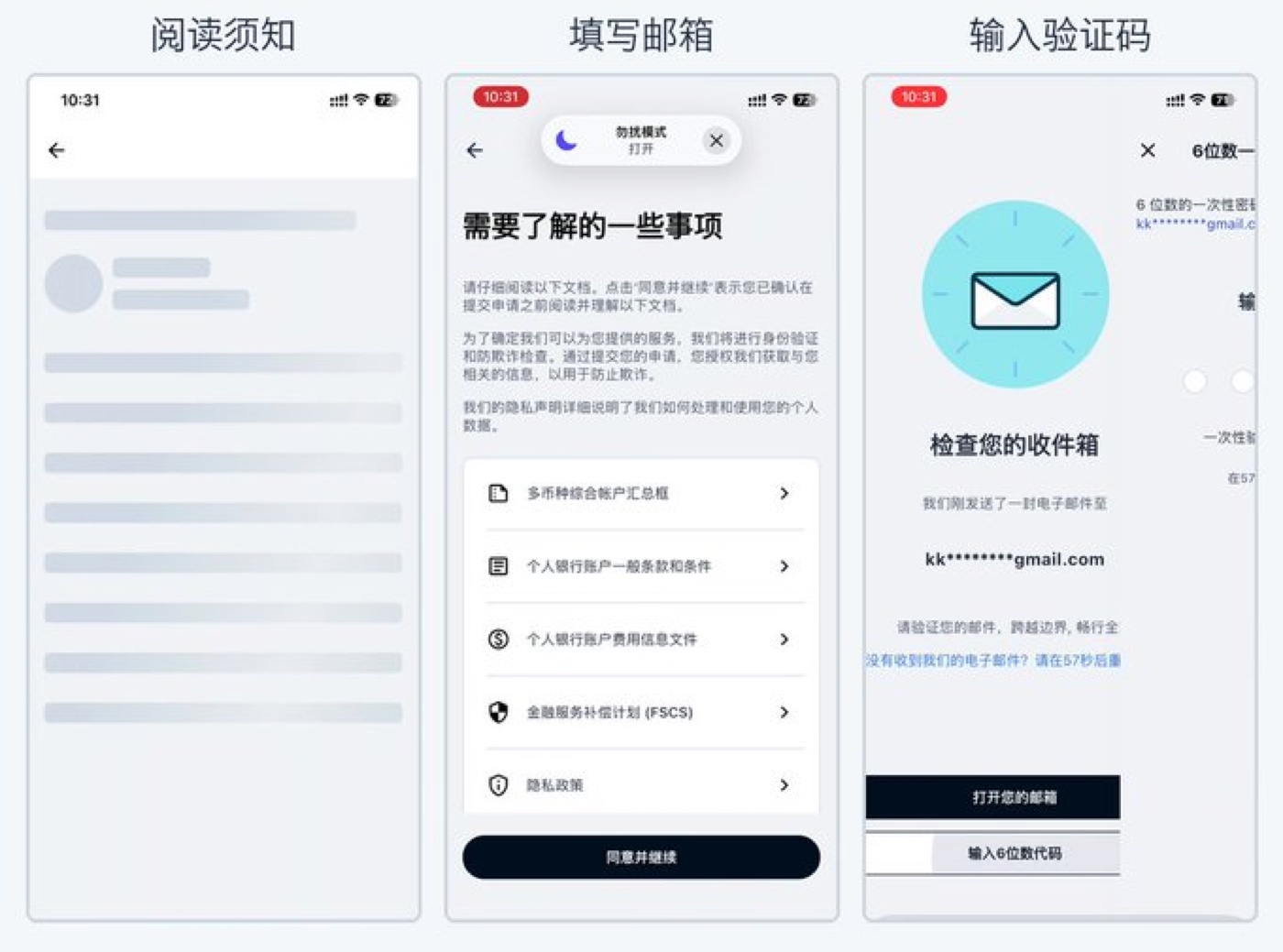
- Enter 6-Digit OTP: Retrieve the one-time verification code sent to your email, establish a high-entropy password, and enable a Passkey (using Touch ID, Face ID, or your device PIN) for phishing-proof security.
Part 2: Downloading the Official App & Regional Store Bypass
While basic account management is available on desktop, real-time trading, biometric authorization, and Web3 interactions require the mobile application.
The iOS App Store Solution
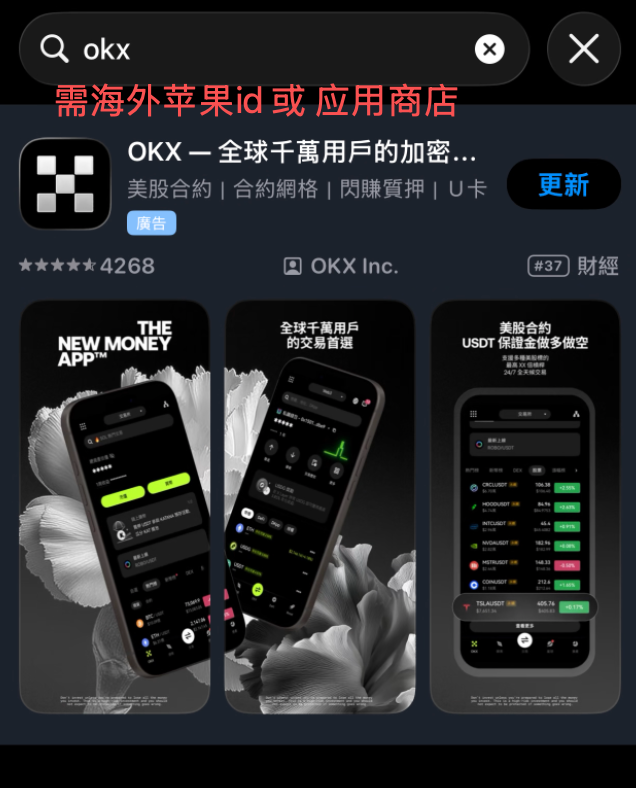
Apple restricts cryptocurrency exchange applications within certain national App Stores (such as Mainland China). If searching for “OKX” yields zero official results, your Apple ID region is restricted.
The Fix: Switch your App Store to a non-restricted regional Apple ID. Taiwan and South Korea Apple IDs are the most reliable options because they feature zero crypto app restrictions and support both OKX and countless Web3 ecosystem dApps. Once you switch accounts in the App Store, search “OKX” and download the official client immediately.
Android Installation
Android users can download directly from the Google Play Store or download the official, cryptographic signed APK file directly from the official OKX.com website.
Part 3: Identity Verification (KYC) & Compliance Tips
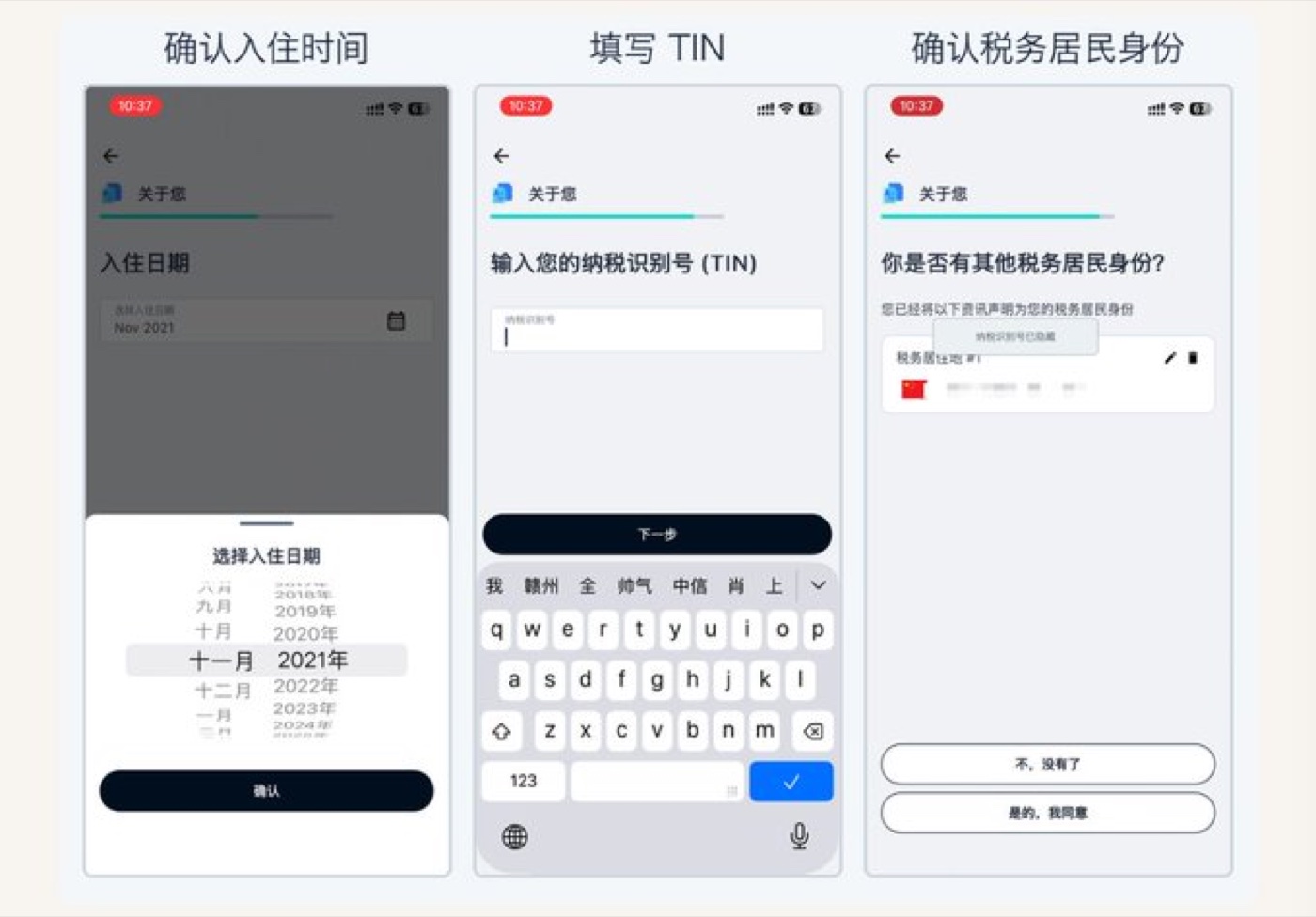
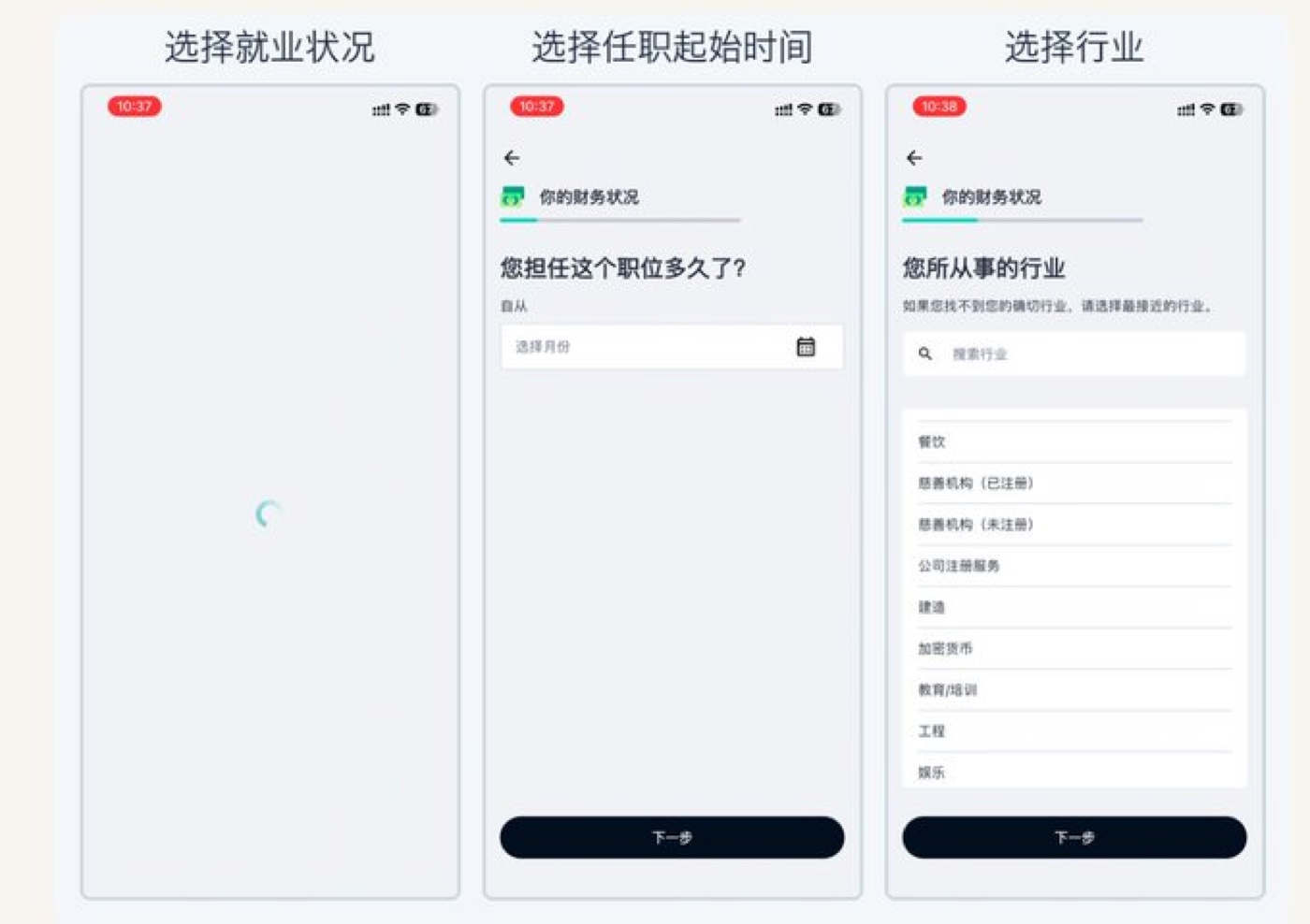
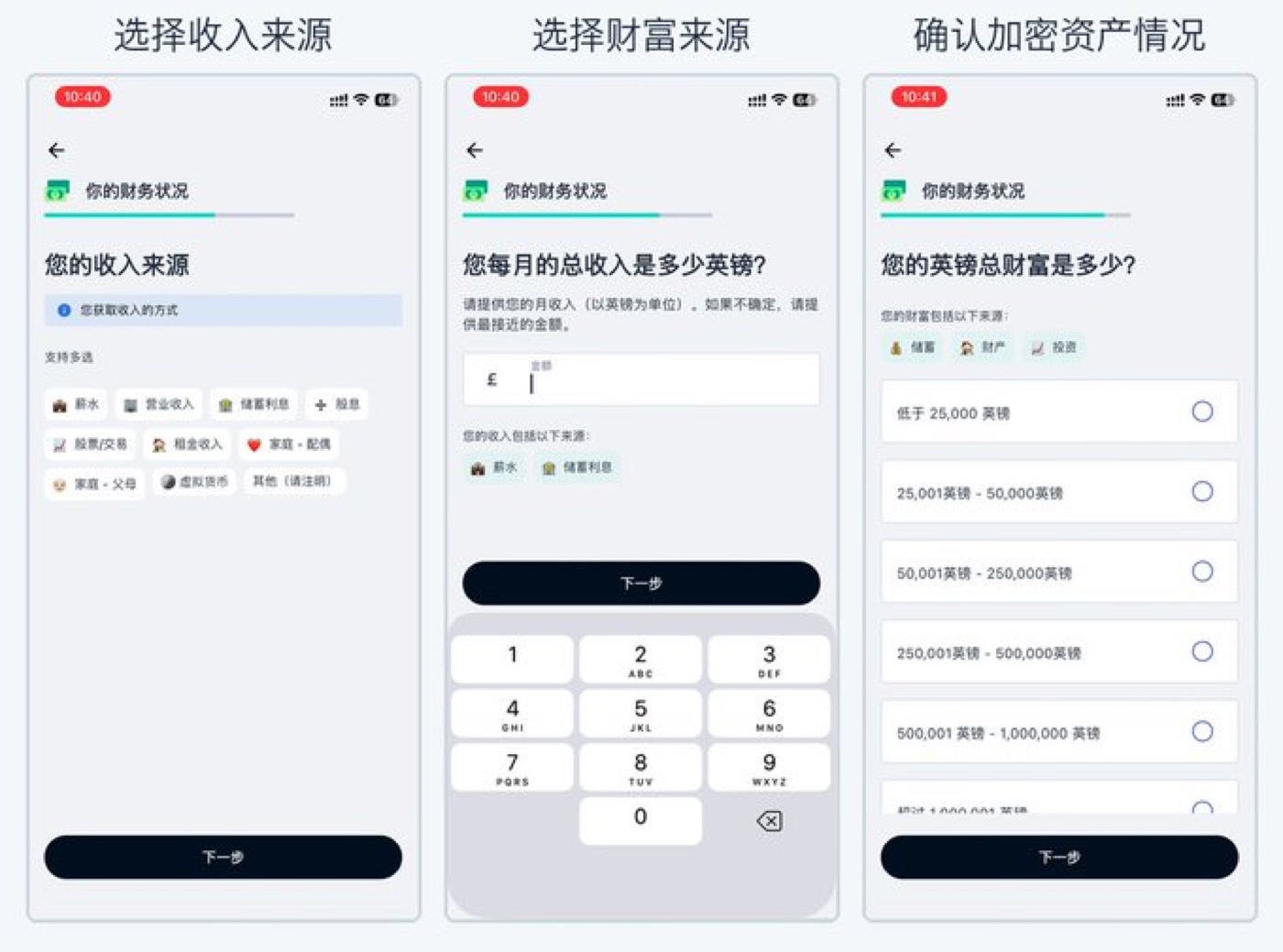
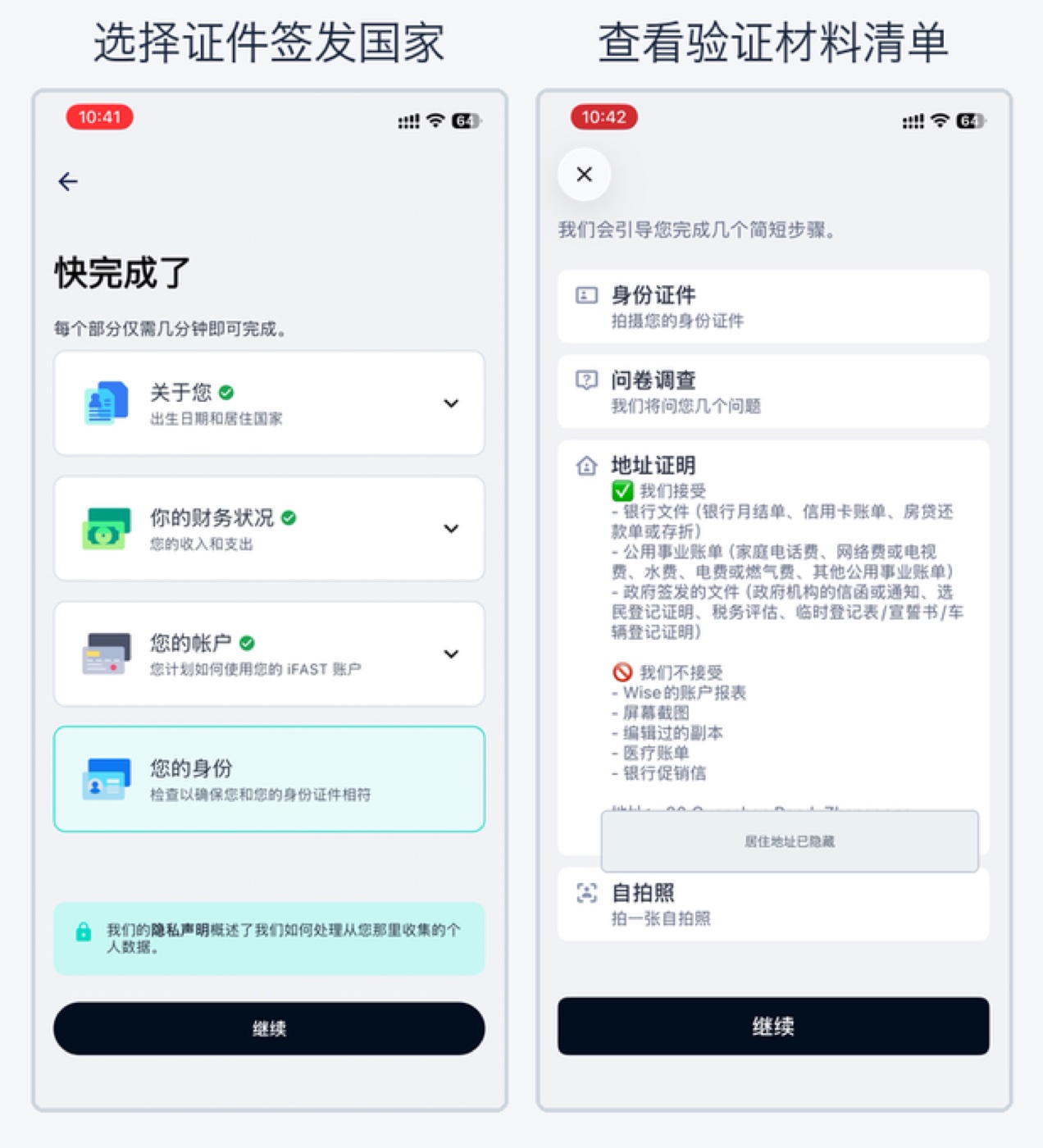
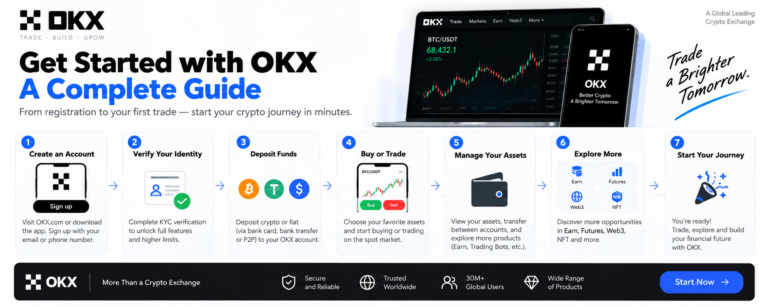
Under international Anti-Money Laundering (AML) standards, identity verification is mandatory before depositing fiat or transacting on C2C desks. Unverified accounts cannot withdraw funds or execute peer-to-peer trades.
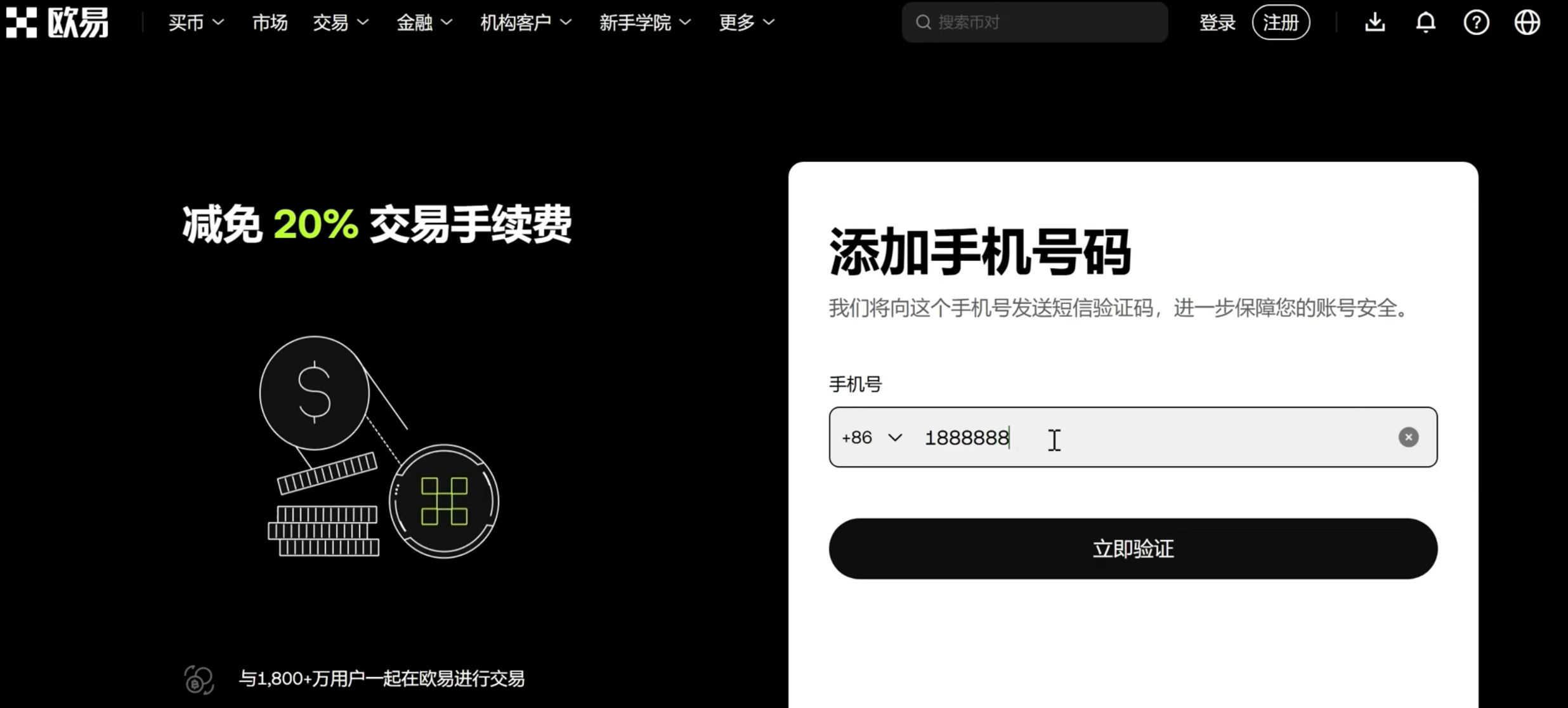
- Open the OKX app, tap the user icon on the top left, and select “Identity Verification”.
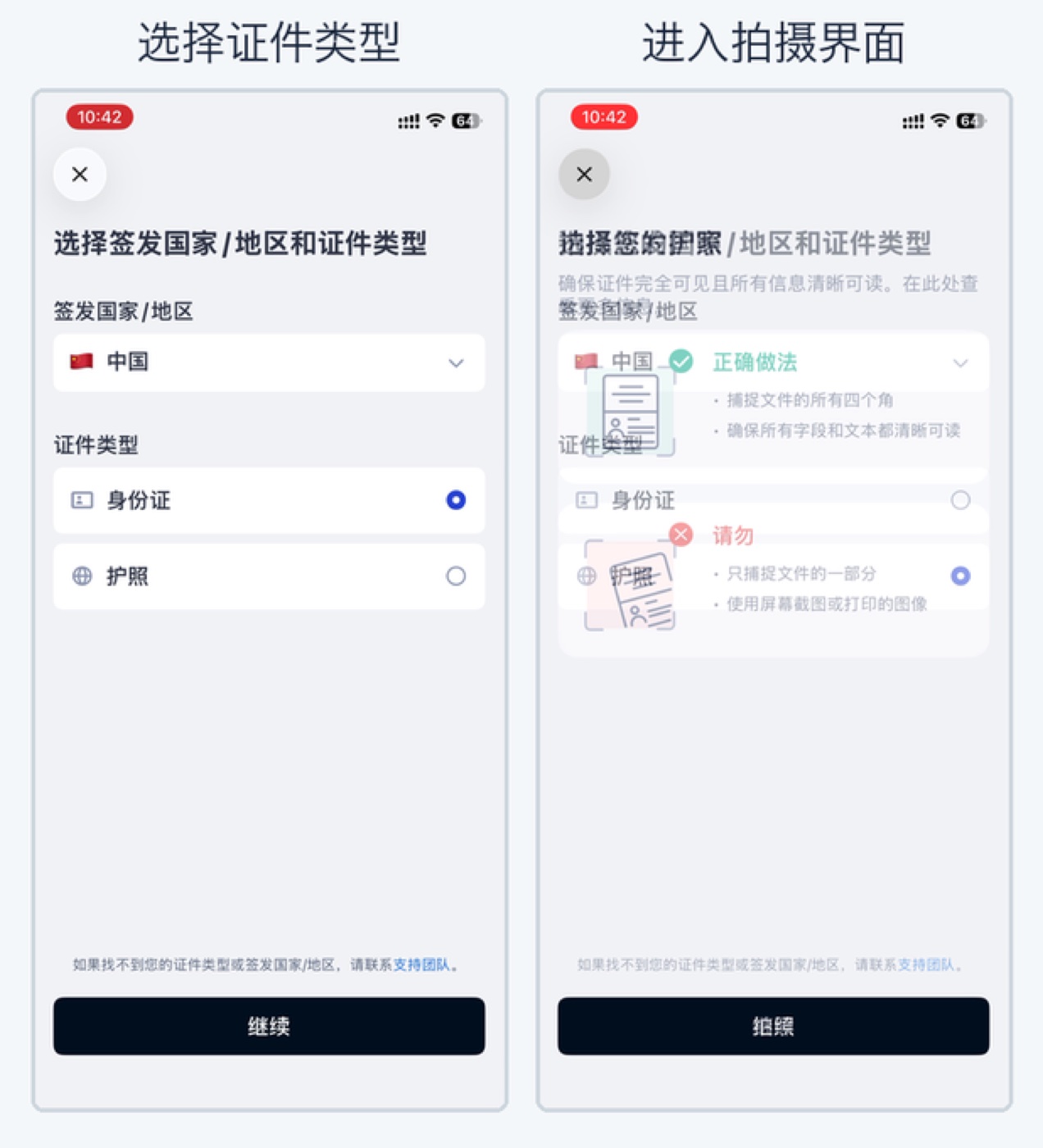
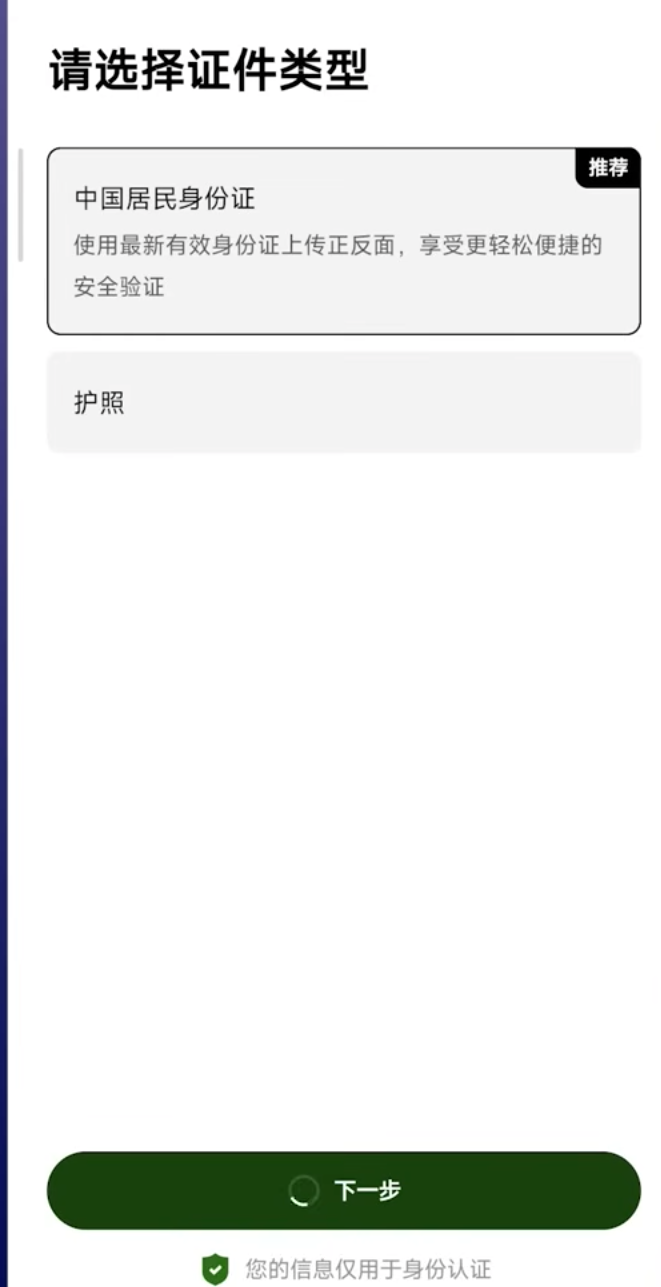
- Select your document type: Mainland Chinese residents can select National ID Card; international nomads can select Passport.
- Photograph the front and back of your document clearly, ensuring zero glare or obscured corners.
- Complete the automated 3D facial recognition scan. Automated clearance typically takes under 60 seconds.
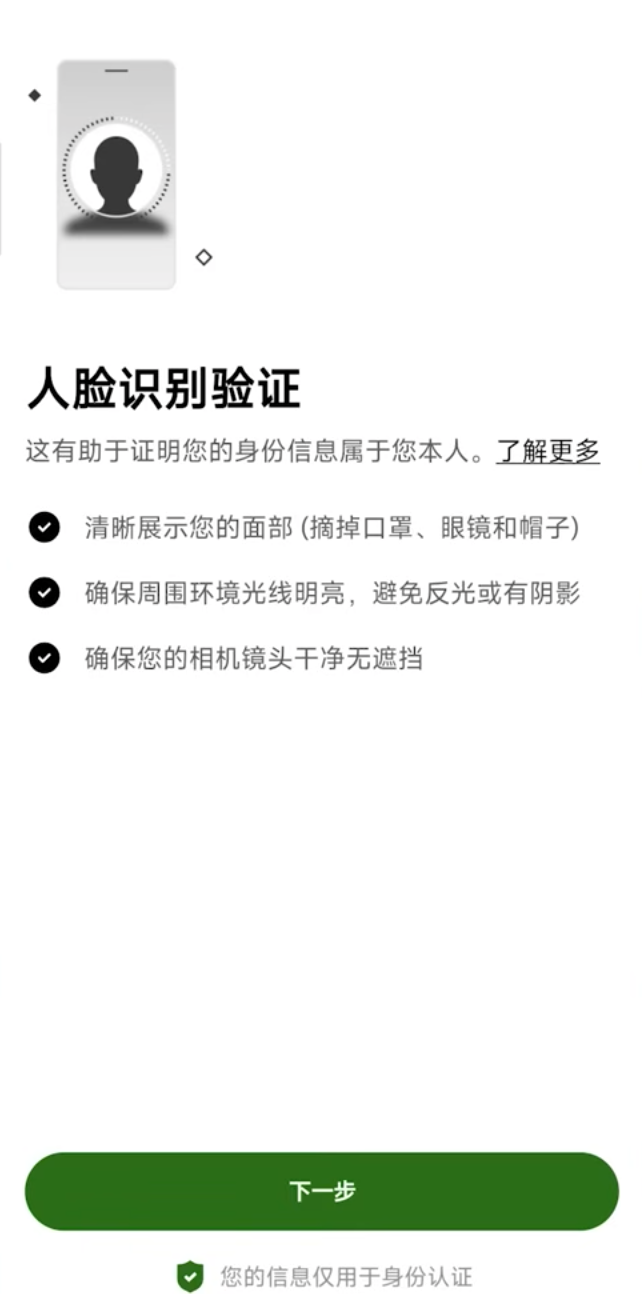
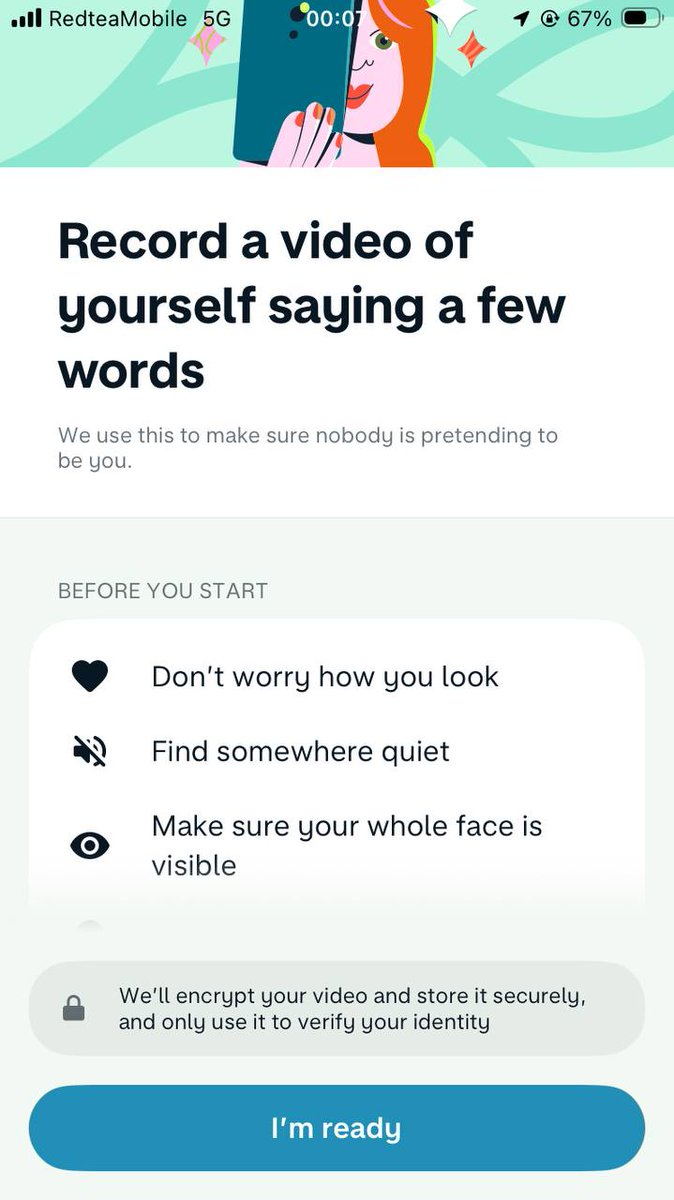
Pro Tip for Video Verification Upgrades: Standard verification grants a 20,000 RMB C2C limit. If you wish to unlock higher transaction tiers, OKX will ask for a short recorded video selfie. You must turn off your VPN/proxy during this video scan, as active proxy nodes create geographic telemetry conflicts that trigger network error warnings.
Part 4: C2C Fiat Onramp & The Anti-Freeze Survival Playbook
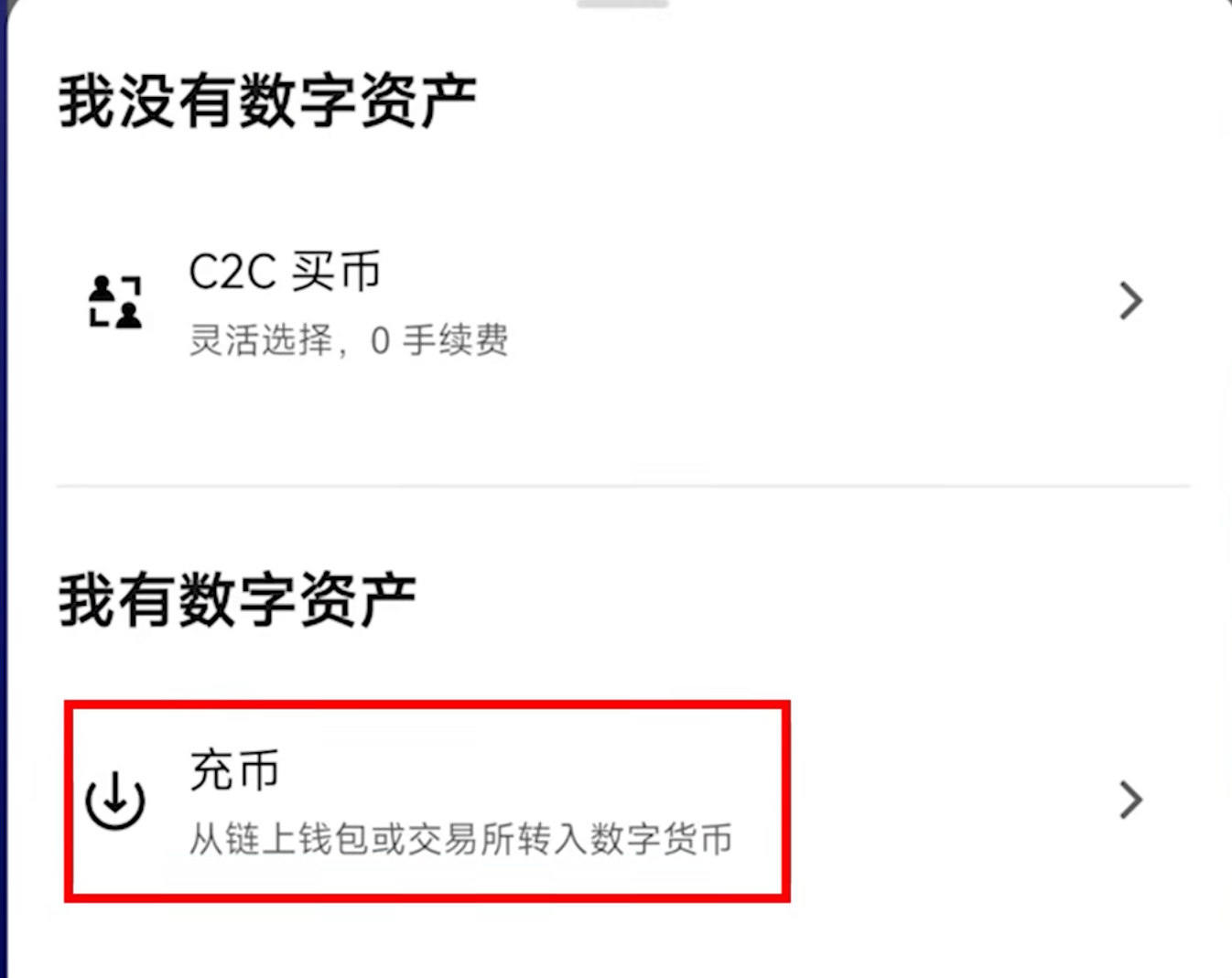
To convert your local fiat currency into USDT, navigate to the homepage and tap “Deposit” → “C2C Trading”. In C2C (Customer-to-Customer) trading, OKX acts as an escrow guarantor: the seller’s crypto is locked in smart contract escrow the moment you place an order, guaranteeing that your funds are safe as long as you follow platform rules.
The Three Golden Rules of Merchant Vetting
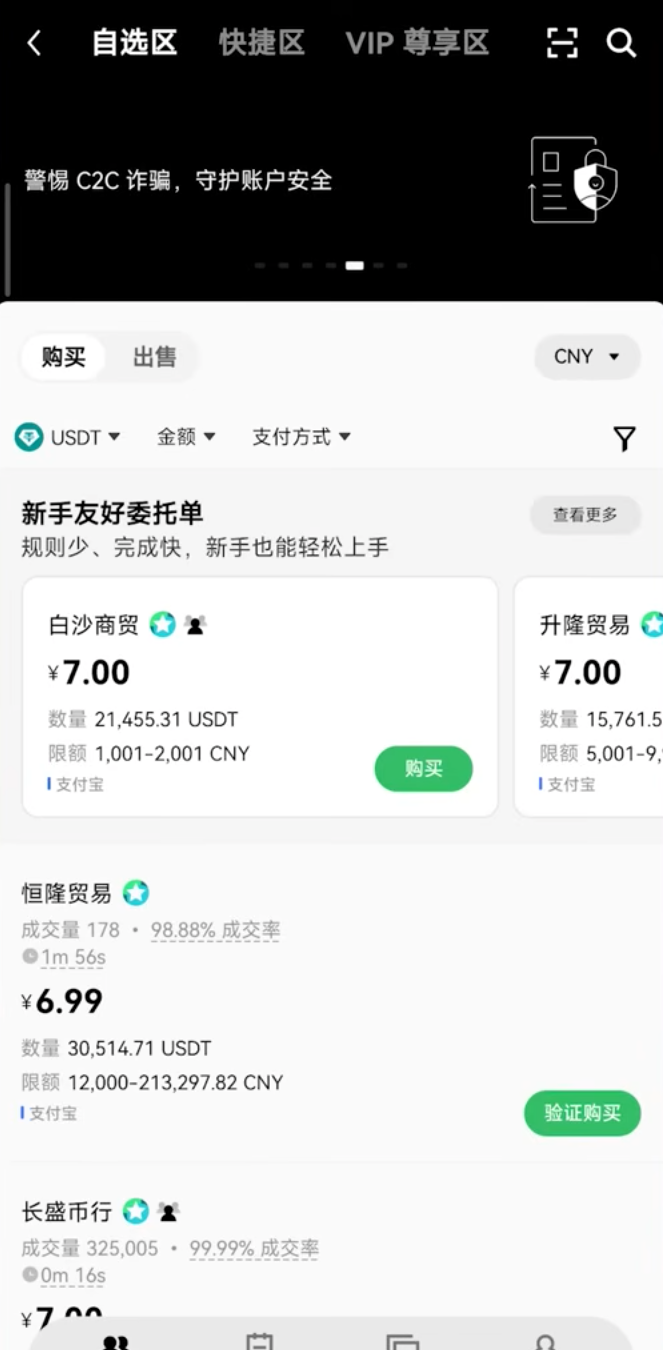
- Always Use the “Custom Selection” (自选区): Never click “Express / Quick Match”. The Express tab pairs you algorithmically, often matching you with newer or lower-reputation merchants. The Custom Selection tab lets you inspect merchant track records with full transparency.
- Audit the 3 Quality Indicators: Prioritize merchants with: (a) Thousands of completed orders, (b) A 30-day completion rate of 98% or higher, and (c) Verified V-merchant or “Beginner Friendly” badges.
- Payment Channel Isolation: When paying via Alipay, WeChat Pay, or bank transfer, use a secondary payment account rather than your primary daily livelihood account. Segregating trading funds from daily living expenses is standard operational hygiene.
The Fatal Mistake: Transfer Remarks
NEVER write words like “USDT”, “OKX”, “Bitcoin”, “Crypto”, or order numbers in the payment transfer remarks. Banking and mobile payment algorithms constantly scan transaction remarks for crypto-related keywords. Writing any crypto terminology will immediately trigger anti-fraud freezes on both your account and the merchant’s account. Leave the remark completely blank.
Once you transfer the exact amount, take a screenshot of your payment receipt, return to the OKX app, and tap “I Have Paid”. The merchant will verify receipt of funds on their end and release the escrowed USDT directly into your Funding Account.
Part 5: Buying Your First Crypto: Convert (0 Fee) vs. Spot Market
Once you hold USDT, you have entered the global crypto market. You can purchase Bitcoin, Ethereum, or any supported asset. Remember: Bitcoin is divisible down to 8 decimal places (0.00000001 BTC = 1 Satoshi). You do not need $60,000+ to own Bitcoin; you can purchase $10 or $50 worth of Bitcoin at exact market proportions.
Option A: Instant Convert / Flash Swap (Beginner Friendly, 0 Fees)
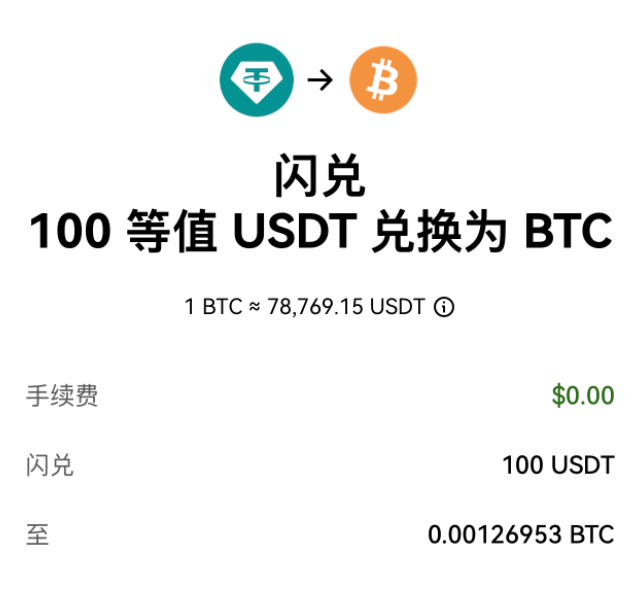
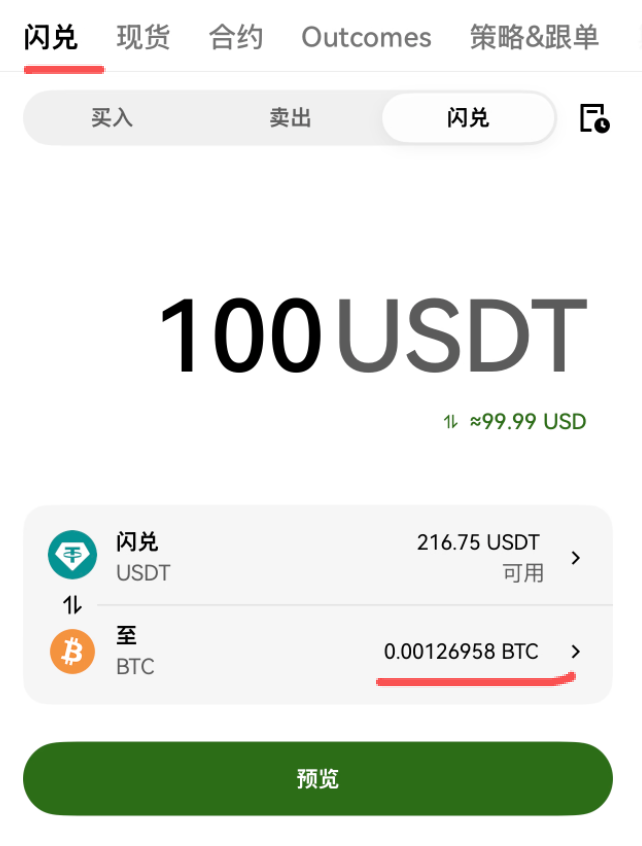
For absolute beginners, navigating raw order books can be intimidating. OKX provides a built-in Convert (闪兑) feature:
- Tap “Trade” → “Convert”.
- Select “From USDT” and “To BTC”.
- Input your amount (e.g. 100 USDT).
- Click “Preview Quote” and confirm. There are zero transaction fees, and your BTC arrives in your account instantly.
Option B: Spot Trading (Standard Market Orders)
When you are ready to trade on the open market, navigate to the Spot (现货) tab:
- Select the BTC/USDT trading pair.
- Choose your order type: Market Order executes immediately at the current best available price; Limit Order allows you to specify a target price and waits for the market to fill it.
- Enter your purchase amount and tap “Buy BTC”.
Golden Rule for Beginners: Stay strictly within the Spot market. Ignore high-leverage products like Futures, Contracts, and Options, which are designed for professional hedgers and carry catastrophic liquidation risks.
Part 6: On-Chain Transfers & The “Courier” Network Rule
When transferring crypto to an external wallet or another exchange (such as transferring USDT between OKX and Binance), you will use the Deposit / Withdraw function. Understanding blockchain networks is vital to protecting your capital:
- The Courier Analogy: Blockchains are like competing postal courier networks (TRC20, ERC20, Arbitrum, Solana). The sender and the receiver must select the exact same network. If you send USDT over TRC20 to an ERC20 address, your funds will vanish into an unrecoverable blockchain void.
- Network Recommendation: For moving USDT, TRC20 (Tron) remains the global industry favorite due to $1–$2 transfer costs and sub-minute confirmations. For Bitcoin transfers, use the native Bitcoin network.
- Gas Fees: Every on-chain transfer requires a network fee (Gas) paid to decentralized validators. This fee fluctuates based on real-time network congestion.
Part 7: Creating & Cold-Storage Securing Your OKX Web3 Wallet
The famous crypto adage states: “Not your keys, not your coins.” While keeping funds on OKX Exchange is convenient for trading, holding substantial wealth long-term requires self-custody. OKX’s integrated Web3 Wallet is one of the most powerful self-custody multi-chain wallets in the industry.
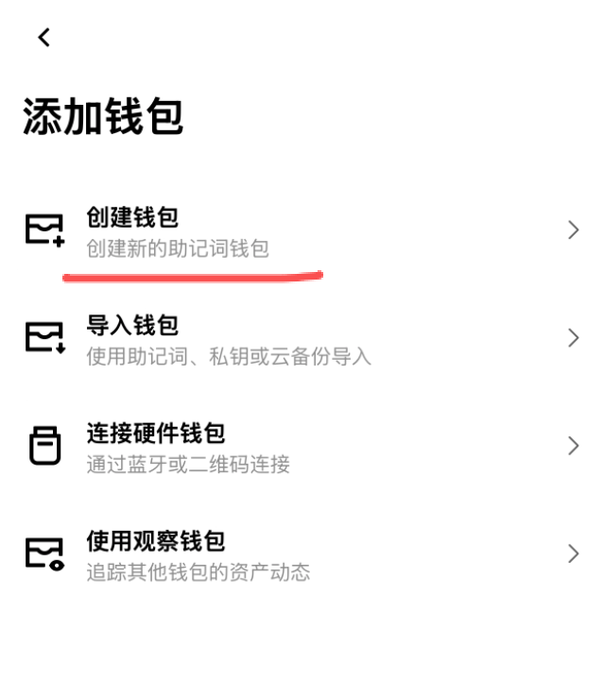
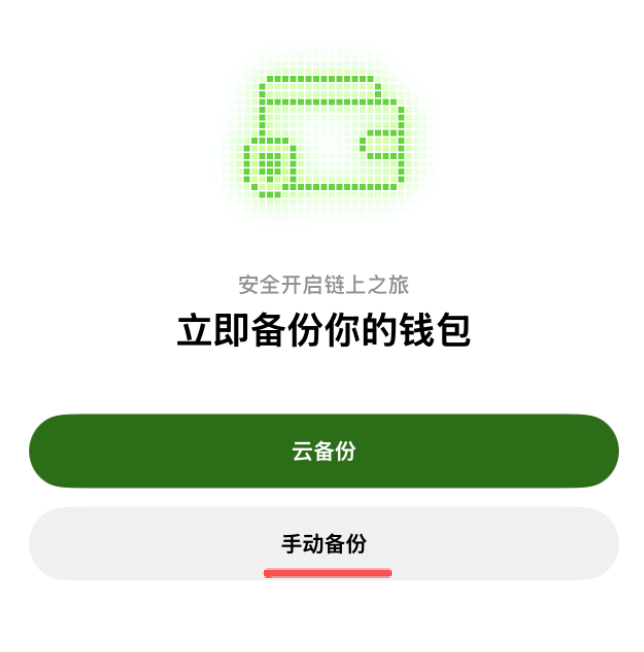
Toggle the top switch to “Web3 Wallet” and select “Create Wallet” (do not choose Import).
The Air-Gapped Seed Phrase Protocol (Never Compromise This)
Your wallet’s 12-word recovery phrase (Seed Phrase) is the master mathematical key to all your on-chain assets. Anyone with these 12 words can drain your wallet in seconds from anywhere in the world. Follow this air-gapped protocol strictly:
- Disconnect & Air-Gap: Turn off your Wi-Fi and enable Airplane Mode on your smartphone before revealing the words.
- Environment Check: Ensure no one is behind you, and confirm no security cameras or screen-recording software are active.
- Pen and Paper Only: Use a physical pen and paper to write down all 12 English words in exact sequential order. Create two physical copies and store them in separate, fireproof locations.
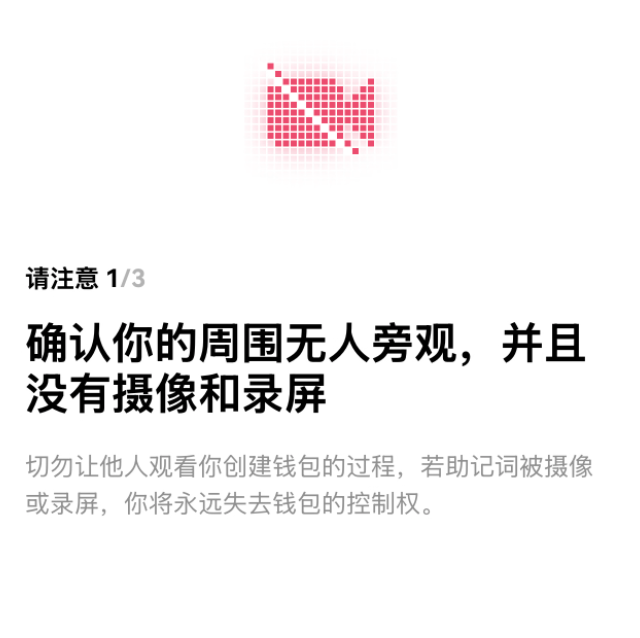
The Fatal Digital Sins to NEVER Commit:
- ❌ Never take a screenshot (photos automatically sync to iCloud/Google Photos cloud storage).
- ❌ Never copy-paste into WeChat, WhatsApp, Telegram, or email draft boxes.
- ❌ Never save in digital notes or cloud password managers. Over 80% of crypto asset thefts originate from digitally leaked seed phrases.
After recording the words, the app will ask you to verify specific words in order. Once verified, your decentralized Web3 wallet is officially active.
Unlocking the 20% Web3 DEX Fee Rebate
OKX Web3 Wallet features an integrated DEX aggregator for swapping tokens across Ethereum, Solana, Arbitrum, and BNB Chain. You can link a separate 20% fee rebate to your Web3 wallet:
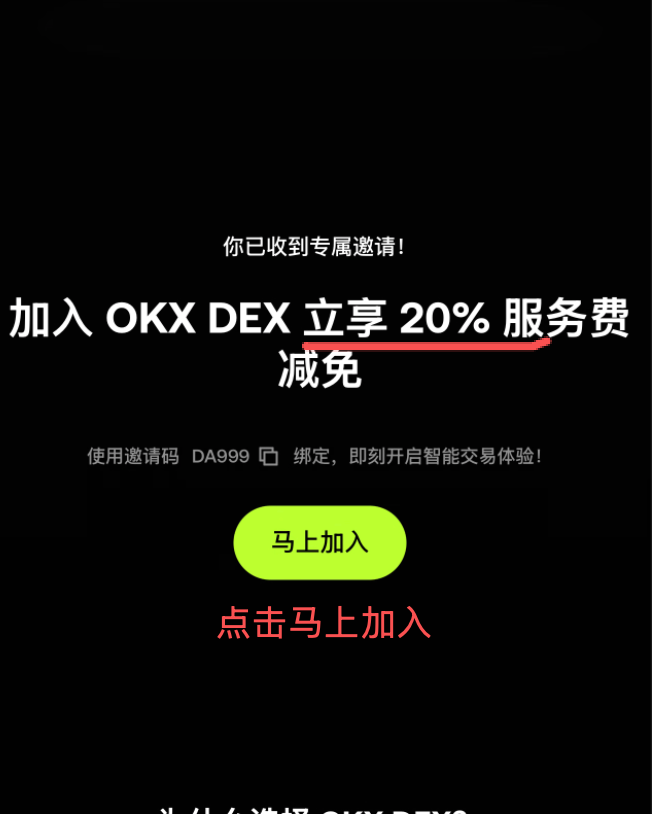
- Open your mobile browser and access the OKX Web3 20% Discount Portal (Code:
DA999). - Tap “Join Now” and confirm the redirect to open the OKX App.
- A confirmation modal will appear inside the OKX App. Tap “Join Now” to bind the discount code. All future decentralized swaps and bridge transactions on OKX DEX will automatically enjoy a 20% service fee reduction.
Summary Checklist for Digital Nomads
- ☑ Sign up via Partner Link: Lock in your lifetime 20% exchange fee discount (Code: OY778).
- ☑ Verify with Real Documents: Complete standard KYC with your national ID/passport.
- ☑ Safe C2C Onramping: Trade exclusively in the Custom Selection tab, vet 98%+ merchants, and leave transfer remarks 100% blank.
- ☑ Start with Spot or Convert: Avoid futures/leverage; acquire spot Bitcoin or stablecoins.
- ☑ Air-Gap Your Web3 Wallet: Disconnect the internet, handwrite your 12 seed words on paper, and bind your Web3 DEX 20% rebate (Code: DA999).
Disclaimer: Cryptocurrency markets fluctuate rapidly and carry inherent financial risks. This guide is for educational and technical instruction purposes only and does not constitute financial, investment, or legal advice. Always exercise risk management and only trade with capital you can afford to lose.